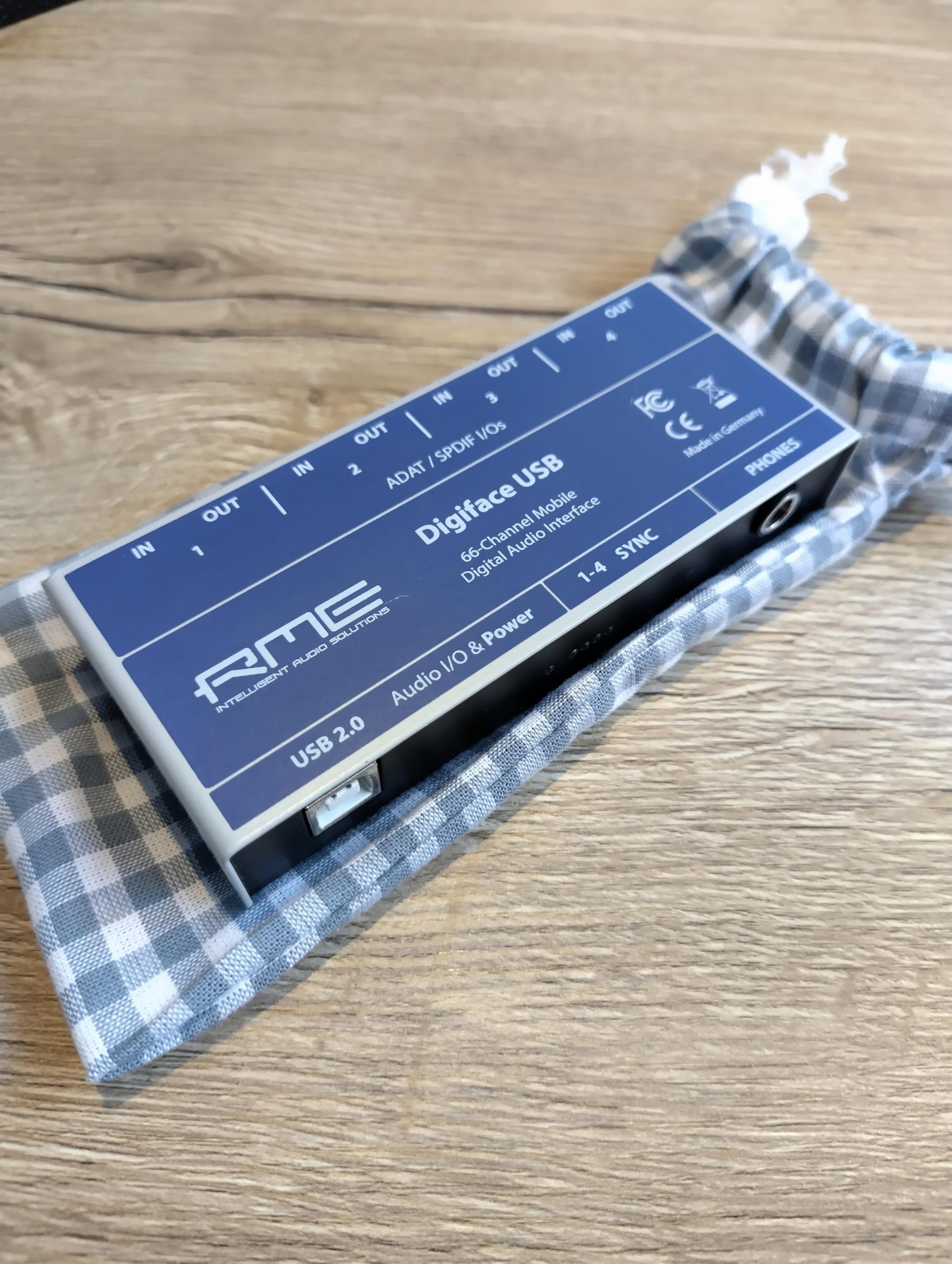
With the release of the 6.12 kernel the RME Digiface USB is supported under Linux. Since this is a very portable device with lots of IO (32 in and 34 out) it got on my radar as a possible candidate for making recordings at my rehearsal space. It took a while before I stumbled upon a second hand unit but in the end I managed to find one nearby. Hooked it up to my notebook with an up-to-date Liquorix kernel and it worked out of the box.
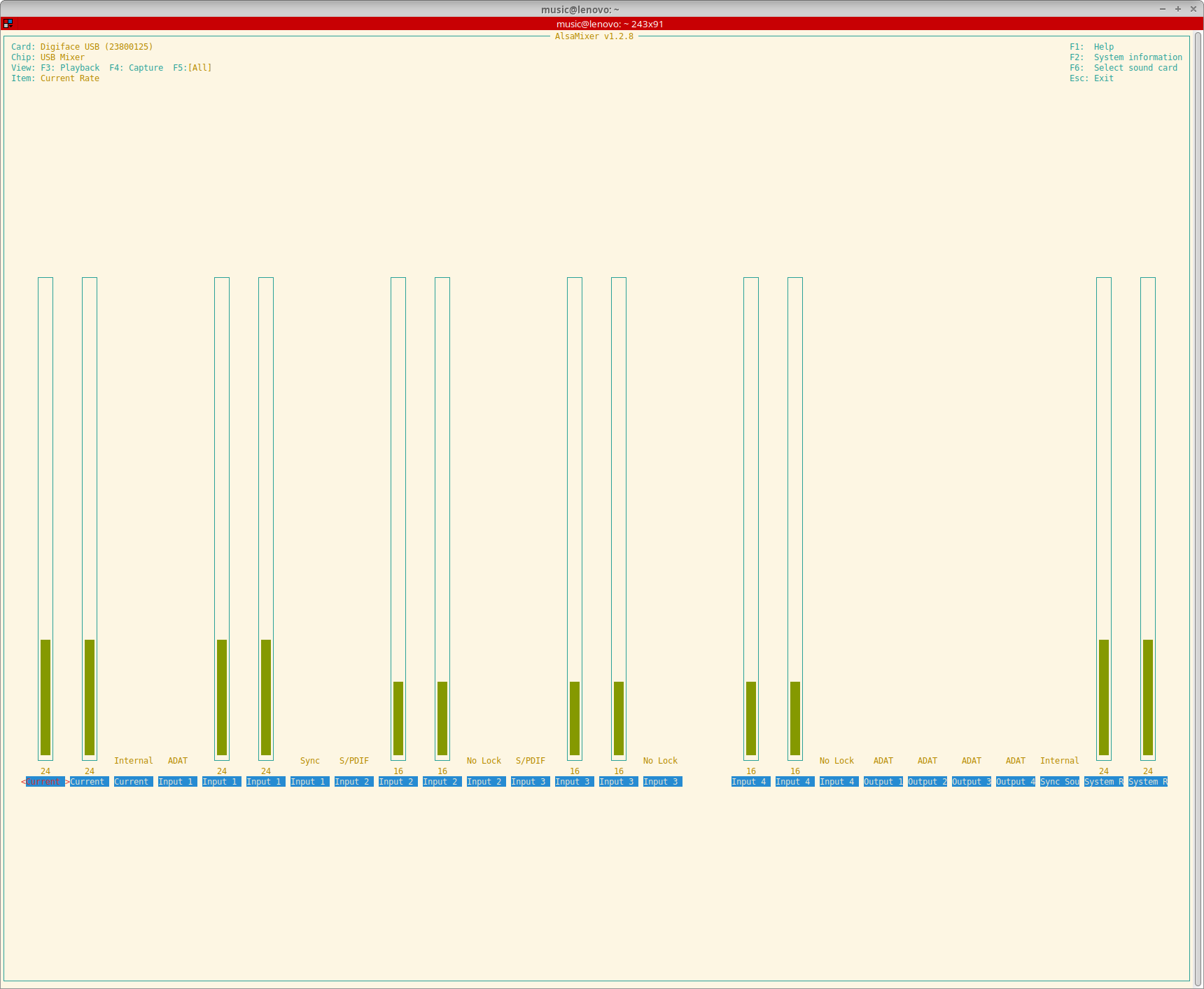
A lot of thanks go out to Asahi Lina for adding support for the RME Digiface USB to the 6.12 kernel. She even added the possibility to control the output format and clock source and to monitor sample rates, input formats, input sync statuses and the current sync source.
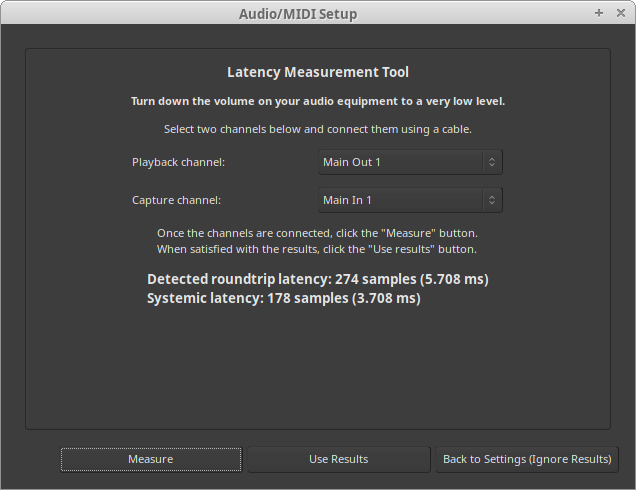
Have yet to test the Digiface USB with more than one ADAT device but with one device (a Behringer ADA8200) everything seems to work really well. Did some round-trip latency tests and with a buffer size of 16 samples and putting TotalMix in DAW mode (which had to be done on a different OS unfortunately but saved another 0.2 ms) I got it down to approximately 4.2 ms. Systemic latency with a buffer size of 16 samples and a sample rate of 48 KHz is 2 ms so somewhere a bit more than 2 ms of additional latency gets added. I think about 1.4 ms gets added by that converters if I did my maths right. According to the specs of the converters they add 22 samples (10 in and 12 out at 48 KHz). That leaves about 0.8 ms unaccounted for. Probably the USB bus buffer or something in the driver stack. Well, no real deal-breaker for me.
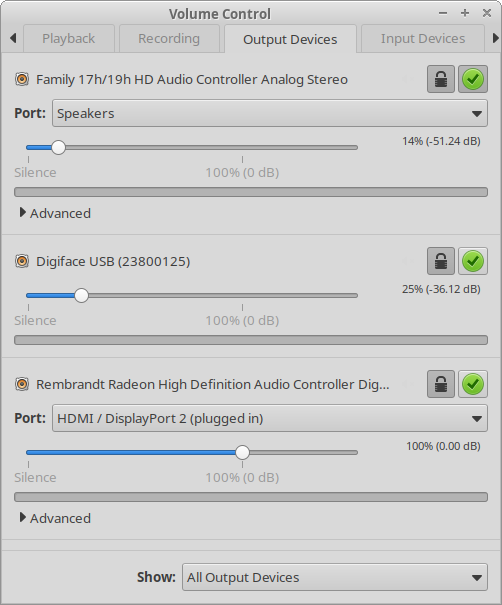
Because I’m still on Debian 12 I couldn’t fully use the device with PulseAudio though. PulseAudio only supports devices with up to 32 channels in or out and since the Digiface has 34 output channels PulseAudio refused to output any audio through it. As a fix I added the following to the ~/.asoundrc file in my home directory:
pcm.snd_rme_digiface_usb {
    type multi
    slaves.rme.pcm "snd_output"
    slaves.rme.channels 34
    bindings.0.slave rme
    bindings.0.channel 32
    bindings.1.slave rme
    bindings.1.channel 33
}

pcm.snd_output {
    type hw
    card USB23800125
}
To make PulseAudio pick up this extra snd_rme_digiface_usb device I added the following to ~/.config/pulse/default.pa:
# RME Digiface USB
load-module module-alsa-sink device=snd_rme_digiface_usb
And now I can select the Digiface as an output source and use the phones output in a desktop session.
Another big bonus is the custom pouch my daughter made for it. I can now toss it in my bike bag without having to worry about dings or scratches.